All your materials neatly organized in one hub.
Vaultimary onboarding
Join Vaultimary and unlock your trading workspace.
Complete the form below to create your account and explore centralized content, personalized workspace settings, and live market dashboards.
Account snapshot
What you gain by signing up.
A Vaultimary account centralizes your content and streamlines how you customize your workspace and dashboards.
Powerful controls to tailor your workspace preferences.
Accessible market insights and activity logs at a glance.
Enrollment basics
A smooth and efficient setup flow.
Enter accurate contact details and review our policies before completing enrollment.
Secure access
Organized workspace
Clear account views
What happens after joining Vaultimary
Vaultimary is designed for clarity and speed. Here’s what you can expect once you finish the form on this page.
Swift, effortless setup
Creating your Vaultimary profile takes only moments. Complete the quick form and advance immediately.
Tailored to your interests
After submission, Vaultimary aligns your details with topics you care about so your content stays relevant.
Your data stays protected
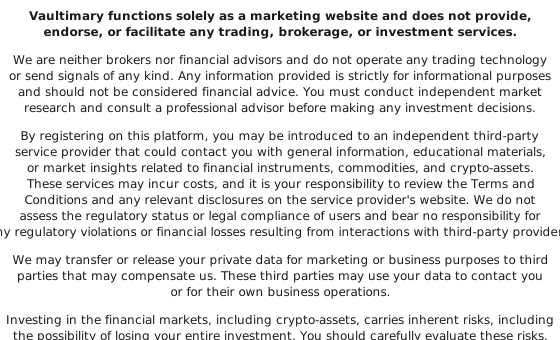
Vaultimary uses modern security standards. Your information is used solely to deliver the service and isn’t shared with third parties.
Common Questions About Vaultimary
How do I start my Vaultimary account?
Fill out the brief form on this page. Vaultimary will use your details to create your profile and guide you forward.
How long does onboarding take?
Typically under a minute. The form asks for essential details to get you started quickly.
Is there any charge to sign up?
Signing up for Vaultimary is free. If any paid services exist, we’ll clearly outline them beforehand.
What happens after I submit my details?
Your information is used to set up your account. You’ll receive guidance on the next steps tailored to your situation.
Is my data kept private?
Yes. Vaultimary treats your information with confidentiality and uses robust security practices. See the Privacy Policy for details.
Can I delete my account later?
Absolutely. You can request account removal at any time via the contact options in the site footer.